PGA DFS Cheat Sheet Guide
The PGA DFS Cheat Sheet sorts the week's field into ready-made lists: tiers by projection, best values, tournament pivots, the chalk, the fades and two sample lineups. Every golfer carries an FTA tag (EAT, PIVOT, FADE or FLAT) so you can see our read at a glance.
- AccessFTA+ members
- Best forTurning the week's projections into a shortlist for cash games and tournaments, then sending your core plays to BaconLab.
- UpdatedRebuilt each tournament week from the FTA sims. Withdrawals are removed from every list and named at the bottom of the page.
- 1 / 14PGA TOOL GUIDE
How to read the PGA DFS Cheat Sheet
Six tabs, each one a different cut of the same field
 1234
- 1Header: this week's tournament, the course and the city
- 2Tabs: Tiers, Values, GPP Plays, Chalk, Fades and Lineups. The green tab is the one you are on
- 3Core bar: FTA+ members lock favorite golfers here and open them already locked in BaconLab
- 4The list for the tab you picked
The cheat sheet does the sorting for you. Instead of one long table, it gives you six short lists that each answer a question: who is best, who is cheap, who is sneaky, who is popular, who to avoid, and what a finished lineup looks like.
TipWhen FanDuel data is available for the week, DraftKings and FanDuel buttons appear above the tabs and every salary, projection, ownership and value switches with them. On a DraftKings-only week the buttons are hidden.
- 3 / 14TAB 1: TIERS
The field ranked into five tiers
Sorted by FTA projection, best first
 12
- 1Tier 1: the four highest projections. Expensive, and usually where the favorites are
- 2Tier 2 and below: the next groups down. Most lineups take one or two from the top tiers and fill from Tiers 3 to 5
Tiers break the field into groups of similar quality so you can ask a simpler question: which golfer do I want from this group. Tier 1 is the top four by projection, Tier 2 the next eight, then fourteen, twenty and the rest of the top eighty.
TipA tier is about projection, not price. A cheap golfer in a high tier is a value. An expensive golfer in a low tier is overpriced.
- 4 / 14THE COLUMNS: COST AND VALUE
Salary, Proj, Own and Value
The first four numbers on every list
 1234
- 1Salary: his price on the site you are viewing
- 2Proj: the FTA projection in fantasy points, in gold
- 3Own: projected ownership, the share of lineups we expect him in
- 4Value: projected points per $1,000 of salary. Higher means more for your money
- 5 / 14THE COLUMNS: FINISH CHANCES
Win, Cut and Top 20
How often each thing happened in the FTA sims
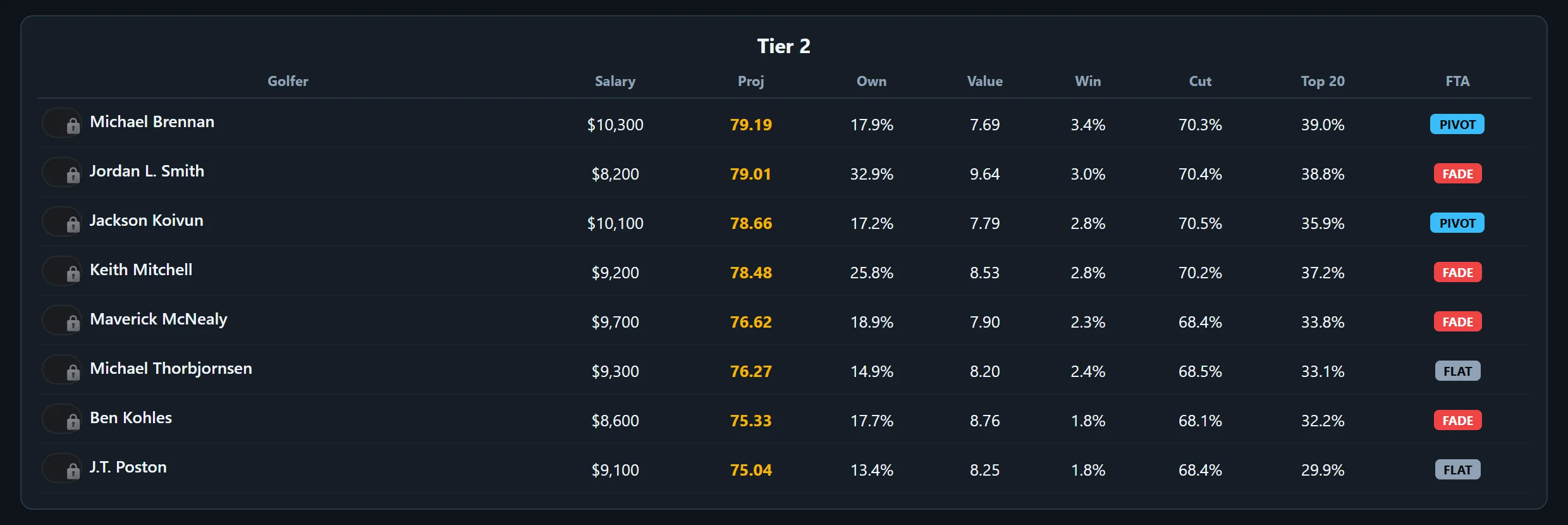 123
- 1Win: the chance he wins the tournament
- 2Cut: the chance he makes the cut and plays all four rounds. In a no-cut event this column shows a dash
- 3Top 20: the chance he finishes in the top 20
Cut is the safety number. Top 20 is the upside number, because that is where the finish bonuses start to matter. Win is small for everyone in a full field.
- 6 / 14THE FTA COLUMN
EAT, PIVOT, FADE and FLAT
Our one-word read on every golfer
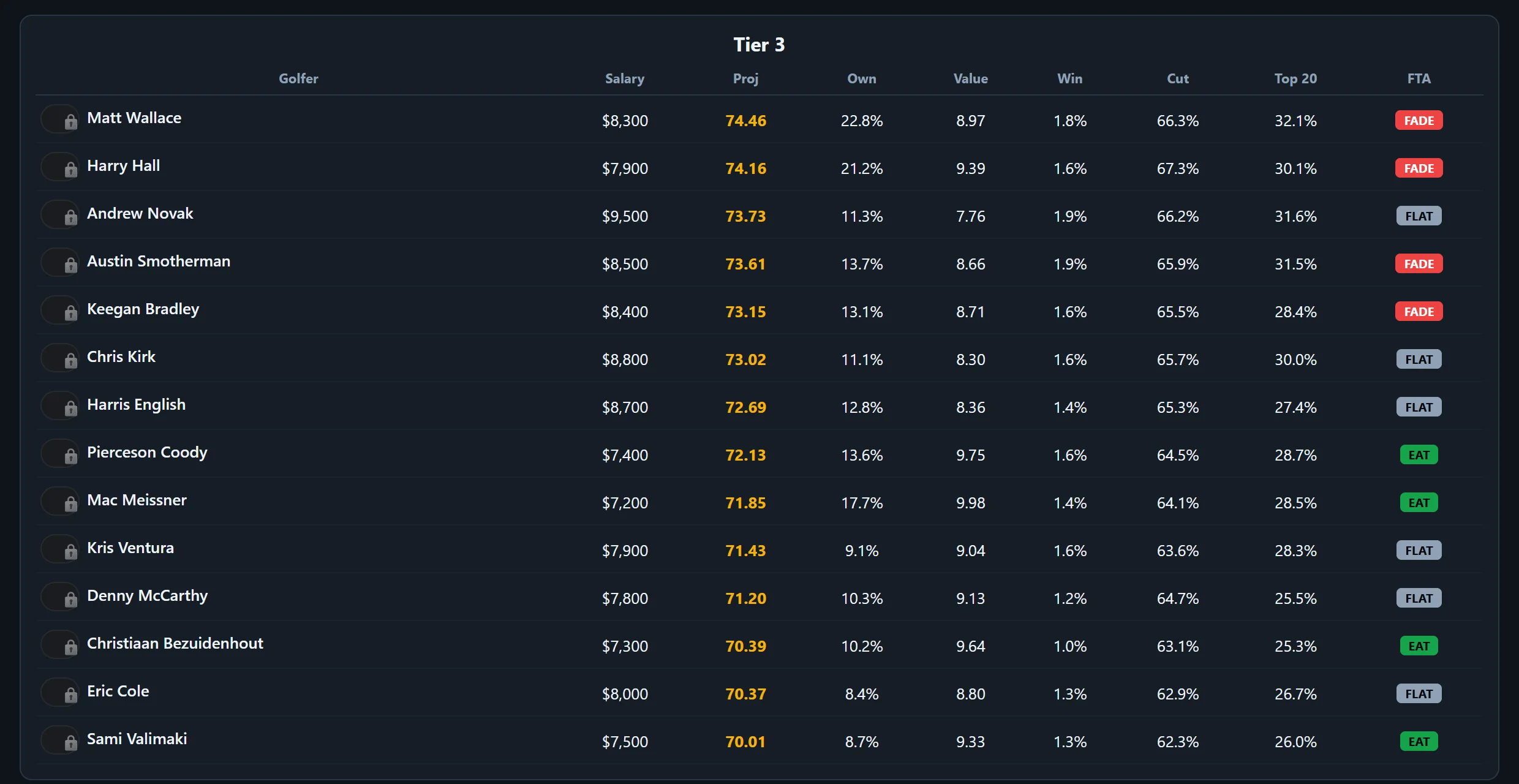 1
- 1The FTA column carries the tag. Green is EAT, blue is PIVOT, red is FADE, grey is FLAT
- EAT: the best mix of projection, floor and price once we account for how owned he already is. Play him even if he is popular
- PIVOT: a ceiling above what his salary implies while ownership sits below it. A tournament play
- FADE: owned more than his price warrants, with no projection edge behind it
- FLAT: priced about right, no edge in either direction
The tag weighs what a golfer offers against how much of the field already has him. It is the fastest way to scan a list.
TipMost of the field is FLAT in a normal week. That is expected. The tags that matter are the few EAT, PIVOT and FADE names.
- 7 / 14TAB 2: VALUES
The cheapest way to buy the same points
The top 30 golfers by Value
 123
- 1The line at the top of each tab says what the list is and how to use it
- 2Value: the sort column here. The best points per dollar are at the top
- 3Cut: check it before you trust a cheap golfer. Value means nothing if he goes home on Friday
This list is sorted by projected points per $1,000. It is where you find the cheap golfers that let you afford a Tier 1 name.
- 8 / 14TAB 3: GPP PLAYS
Leverage for tournaments
Golfers under 12% ownership, sorted by Leverage
 123
- 1Own and Top 20: the two numbers leverage is made from
- 2Leverage: in green. The higher it is, the more top 20 chance you get per point of ownership
- 3Ceiling: his high-end fantasy score from the sims. Leverage with no ceiling does not win a tournament
A GPP is a large tournament with a top-heavy prize pool. To win one you need golfers who can finish high and who most of the field does not have. Leverage here is top 20 probability divided by projected ownership: high means the field is not paying for the finish the sims see.
TipVery low ownership can make leverage look huge on a golfer with a small top 20 chance. Read Top 20 and Ceiling before you trust the leverage number.
- 9 / 14TAB 4: CHALK
The most owned golfers on the board
The top 25 by projected ownership
 12
- 1Own: the sort column. These are the golfers most of your opponents will roster
- 2FTA: EAT chalk is worth playing with the crowd. FADE chalk is where you can gain ground by being different
Chalk means the popular plays. As the tool puts it, chalk is not automatically wrong, it is only wrong when the price of it is. The FTA tag tells you which chalk to eat and which to fade.
- 10 / 14TAB 5: FADES
Popular golfers we would pass on
Every golfer tagged FADE, most owned first
 123
- 1The rule this list is built on, in the tool's own words
- 2Own: high ownership is what makes a fade useful. Skipping a golfer nobody plays gains you nothing
- 3Cut: fades often carry more miss-the-cut risk than their price suggests
A fade is a golfer who is owned more than his salary implies while the model has him below the field on projection, ceiling and make cut probability against price. In a no-cut week the cut is left out of that test.
TipAt the bottom of this tab a card lists late field additions that were not simmed for the full tournament. They are left off every list rather than shown as zeros.
- 11 / 14TAB 6: LINEUPS
A cash lineup and a tournament lineup
Two sample builds for the site you are viewing
 1234
- 1Cash: the highest projected six that fit under the cap
- 2GPP: the best projection that stays under the ownership ceiling
- 3Summary line: salary used, total projection and cumulative ownership (the six ownership numbers added up). Members also get a Lock lineup button
- 4The note explains the ownership cap used for the tournament build this week
Cash maximises projection outright. GPP maximises projection under a cap on total ownership, which pushes it toward less popular golfers. Compare the two and you can see which chalk the tournament build drops.
TipTreat these as templates, not picks to copy. Thousands of people can see the same lineup.
- 12 / 14CORE LOCKS · FTA+
Lock your core and open it in BaconLab
The padlock next to every golfer's name
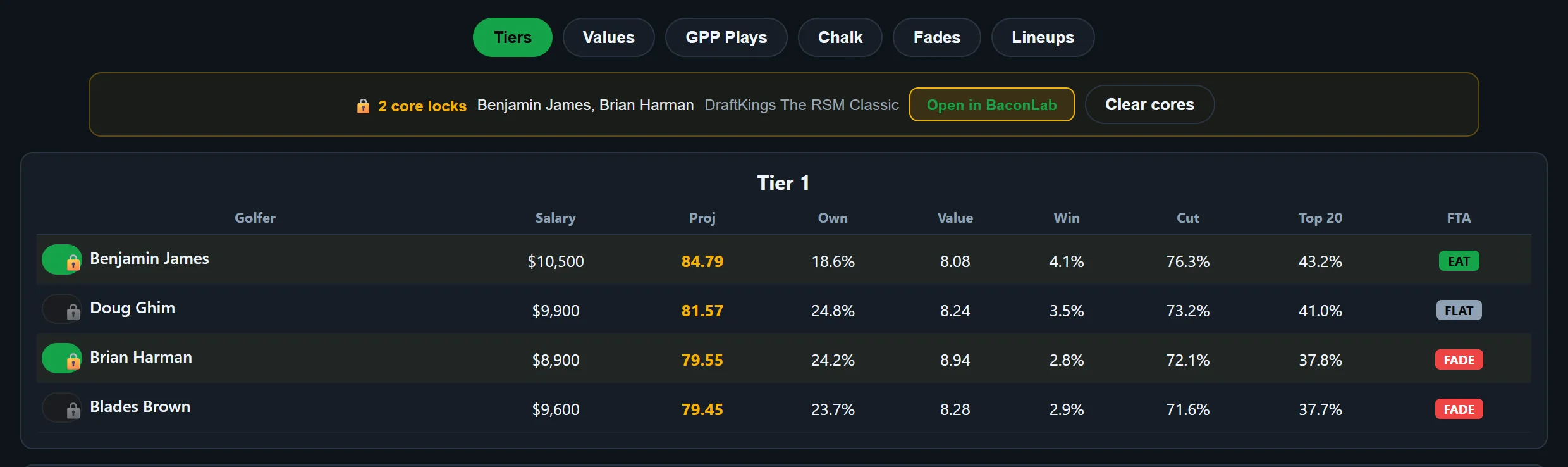 1234
- 1Padlock: tap to lock a golfer as a core play, tap again to remove him. The padlock lights up and the row is tinted
- 2The core bar counts your locks and lists the names
- 3Open in BaconLab: opens the optimizer on this sport and site with your cores already locked
- 4Clear cores: removes every lock at once
A core play is a golfer you want in most of your lineups. Tap the padlock to mark him. Your picks are remembered in this browser for the current slate and are locked for you when you open the optimizer.
TipWithdrawn golfers cannot be locked. Locks are tied to the slate and site you made them on, and they expire, so set them the day you build.
PGA DFS Cheat Sheet glossary
- Tier
- A group of golfers with similar projections. Tier 1 is the top four.
- Salary
- The golfer's price. Six golfers must fit under the cap.
- Proj
- The FTA projection in fantasy points.
- Own
- Projected ownership: the share of lineups we expect to include the golfer.
- Value
- Projected points per $1,000 of salary.
- Win
- The chance he wins the tournament in the FTA sims.
- Cut
- The chance he makes the cut and plays all four rounds.
- Top 20
- The chance he finishes in the top 20.
- Ceiling
- His high-end fantasy score from the sims.
- Leverage
- Top 20 probability divided by projected ownership. High means the field is underplaying his chance of a good finish.
- FTA tag
- Our read on a golfer: EAT, PIVOT, FADE or FLAT.
- EAT
- Best mix of projection, floor and price once ownership is accounted for. Play him.
- PIVOT
- Ceiling above what his salary implies with ownership below it. A tournament alternative to the chalk.
- FADE
- Owned more than his price warrants with no projection edge behind it.
- FLAT
- Priced about right, no edge either way.
- Chalk
- The most popular plays on a slate.
- GPP
- Guaranteed prize pool: a large tournament where most of the money goes to the top finishers.
- Cash game
- A contest that pays about half the field the same amount, such as a 50/50 or head to head.
- Cumulative ownership
- The projected ownership of all six golfers in a lineup added together.
- Core lock
- A golfer you marked with the padlock so BaconLab locks him into your lineups.
PGA DFS Cheat Sheet questions
Is the PGA DFS Cheat Sheet free?
No. It is an FTA+ members page. Members get every list in full, core locks, the Lock lineup button and the CSV download. PGA DFS Projections, PGA DFS Sims and PGA Odds have free previews.
Does it cover FanDuel?
Yes, when FanDuel data is available for the week. DraftKings and FanDuel buttons appear above the tabs and every number switches with them. On a DraftKings-only week the buttons are hidden and the board shows DraftKings.
What does the FTA tag mean?
EAT is a golfer worth playing even at his ownership. PIVOT is a low-owned golfer with more ceiling than his price suggests. FADE is a popular golfer with no edge. FLAT is fairly priced.
Why is a golfer missing from the lists?
Withdrawals are removed from every list and named at the bottom of the page. Late additions that were not simmed are shown in their own card on the Fades tab.
What is in the CSV?
The whole field for the site you are viewing: salary, projection, ownership, value, win, cut, top 20, top 10, ceiling, leverage, tee time, wave and the FTA tag.